 1-361-589-1048
Table of Contents
- How to Design Your Own Apparel Without a Design Degree
- Best File Formats for Custom Shirt Printing
- Direct-to-Garment vs Screen Printing for Individuals
- No Minimum Custom T-Shirts: How On-Demand Printing Works
- Choosing the Right Fabric and Garment Type
- Turnaround Time, Shipping, and What to Expect
- Conclusion
- Frequently Asked Questions
Last Updated: September 23, 2026
How to Design Your Own Apparel Without a Design Degree
Custom apparel printing for individuals has never been more accessible, and you don't need a design degree to get a shirt that looks intentional. At The Wits End, the pattern is always the same: people who get great results spend ten minutes planning before touching a design tool.
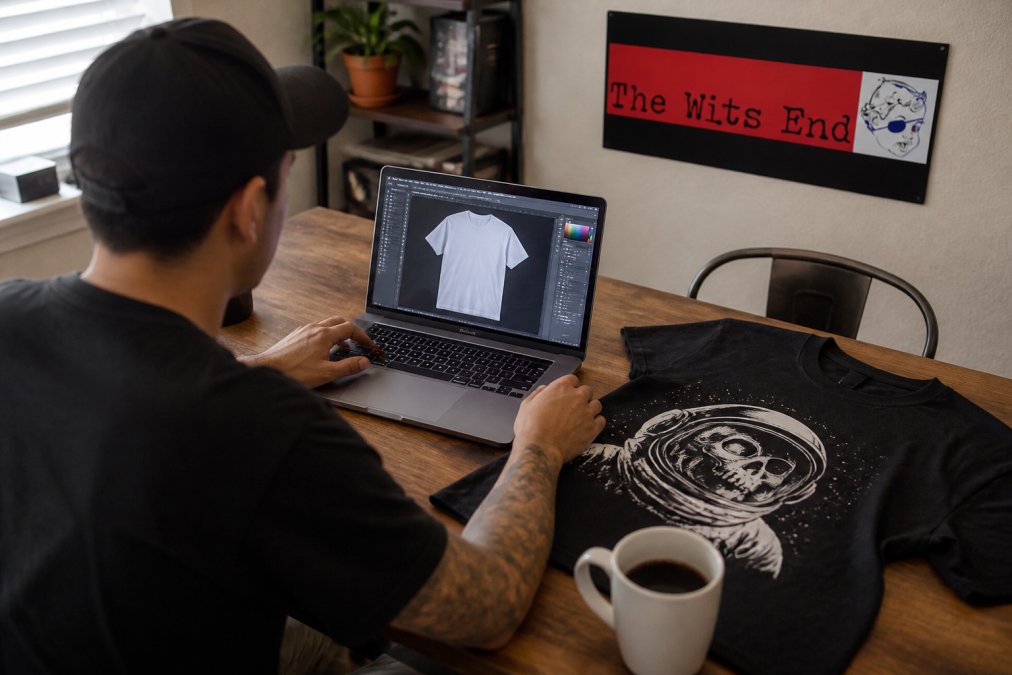
Starting with a Concept: Text, Image, or Both
Text-only designs are the safest bet for a first order. A single line in a clean font across the chest reads clearly from a distance and doesn't depend on print resolution.
Using Online Design Studios and Mockup Generators
A mockup generator places your artwork onto a digital garment so you can see scale, placement, and color before ordering. Most print shops, including ours, show you a mockup before anything goes to press.
Two things to check on every mockup:
- Does the design sit where you want it, or is it floating too high or low?
- Do the colors still read against the garment color you picked?
Best File Formats for Custom Shirt Printing
The best file format for custom shirt printing is a vector file such as SVG, EPS, or AI, because vector graphics scale to any size without losing sharpness. If you only have a photo or screenshot, a high-resolution PNG at 300 DPI will usually work for a single print size. Most first-time buyers have neither, just a phone photo, a screenshot, or a logo pulled off a website.
Vector vs. Raster: What Your Printer Actually Needs
Vector files are built from math, not pixels, so they stay crisp at any size. Logos, text, and simple line art belong in vector format (.SVG, .EPS, .AI, and .PDF exported from a vector program).
How to Tell What You Actually Have
Before uploading, figure out which category your file falls into:
- Zoom in to 400% or more. If the edges stay smooth, it's probably vector. If they turn into visible stair-steps or blocks, it's raster.
- Check the file extension. .SVG, .EPS, and .AI are almost always vector. .JPG, .PNG, and .GIF are almost always raster.
- Look at the file size. A vector logo is often under 500 KB. A raster logo at print resolution is usually several megabytes.
- Open it in a text editor. A true SVG is readable code. If you see garbled characters, it's raster.
File Prep Checklist for Non-Designers
Run through this before you upload anything:
- Text converted to outlines, or typed in a standard font your printer has
- Image at 300 DPI at the actual print size
- Transparent background, not a white box around your art
- Design centered within the printable area
- Color mode set to RGB for digital printing
- File named clearly so you can find it again
How to Fix Common File Problems Without Design Software
"My image is too small." Upscaling a raster image adds pixels but not detail, it will look soft. Find a larger source file, re-export from the original design tool, or ask the printer to vectorize it. A clean vectorization beats a blurry upscale every time.
A Realistic Workflow for a Non-Designer
Starting from scratch, this sequence produces a print-ready file in under an hour:
- Build the design in Canva, Figma, or a free vector tool like Inkscape. Keep it simple, one or two elements.
- Export as PDF Print (Canva) or SVG (Inkscape, Figma).
- Zoom to 400% to confirm edges are smooth, then check pixel dimensions against your print size using the 300 DPI rule.
- Upload to the printer's design studio and review the mockup at full size.
Direct-to-Garment vs Screen Printing for Individuals
Direct-to-garment printing is the better choice for individuals ordering one or two shirts, while screen printing wins on cost and durability once you're ordering a dozen or more of the same design.
Print Durability by Method: What Holds Up After 50 Washes
Washability depends on the method, the ink chemistry, and how you care for the shirt:
| Method | Durability | Best For | Colors Per Design |
|---|---|---|---|
| Screen printing | Highest, holds up for years | Bulk orders, bold graphics | 1-4 typically |
| Direct-to-garment | Moderate, may soften over time | Single shirts, photos | Unlimited |
| Heat transfer | Lower, can crack at edges | Small runs, quick turnaround | Unlimited |
| Embroidery | Very high, outlasts the shirt | Logos, polos, hats | Limited thread colors |
Why Each Method Fails (and How to Slow It Down)
Durability is a race between the ink and the wash cycle. Knowing the failure mode tells you how to protect the print.
Be Strong - Fight Back Unisex t-shirt →
The Wash Routine That Adds Years
The single biggest factor in how long a print lasts isn't the method, it's how you wash it. Turn garments inside out, use cold water, and skip the dryer to add years to any print (How to Wash and Dry Screen Printed T-Shirts?).
A sequence that works for every method above:
- Wash inside out on a cold, gentle cycle with like colors.
- Use a mild detergent; skip bleach and fabric softener, which leave residue that dulls ink.
- Tumble dry low or hang dry. If you must use heat, remove the garment while it's still slightly damp.
- Never iron directly on a print. If you need to press the shirt, iron the reverse side or use a pressing cloth.
- Store folded rather than on a hanger if the print is large, hanger stress can crack thick ink over time.
No Minimum Custom T-Shirts: How On-Demand Printing Works
No minimum custom t-shirts work through print-on-demand, where the garment is printed only after you order it. There's no warehouse of unsold stock, which is why a single shirt costs more per unit than a bulk run but carries zero risk of ordering fifty shirts nobody wants.
Bulk vs. Individual Order Pricing
Pricing scales with quantity because setup work gets spread across more units. A single custom shirt carries the full setup cost alone; order twenty and each absorbs a fraction of it.
Choosing the Right Fabric and Garment Type
Fabric weight decides how a shirt feels and how well it prints. A 4.2 oz./yd.² combed ring-spun cotton tee, like the ones we stock, is light enough for summer and holds ink cleanly. Heavier fabrics around 6 oz. feel more substantial but run warmer.
Three things to check before you commit:
- Fabric weight: lighter for warm weather, heavier for structure
- Fit: unisex runs straighter, side-seamed construction holds its shape better
- Color: dark garments need a white underbase for bright ink, which affects texture
Turnaround Time, Shipping, and What to Expect
On-demand printing adds production time because nothing is printed until you order. Typical delivery to United States addresses runs 6 to 8 days, and customization can add a little time. Shipping starts at $4.75.
Conclusion
The gap between a shirt you tolerate and one you actually wear comes down to a few decisions: file format, print method, fabric, and care. Get those right and custom apparel printing for individuals stops being a gamble.
Frequently Asked Questions
Can I get custom apparel printed without a minimum order quantity?
Yes. Many print shops, including The Wits End, offer no minimum custom t-shirts through on-demand printing. You can order a single shirt with your design and it gets printed just for you. This means you can test a design idea without committing to a bulk run. The trade-off is a slightly higher per-unit cost compared to ordering 20 or more at once, but for individuals who just want one shirt, it removes the biggest barrier to entry.
What is the difference between screen printing and direct-to-garment for single items?
Screen printing uses a physical stencil and layered ink, which produces bold, long-lasting colors but requires setup per color and works best in larger runs. Direct-to-garment printing works like an inkjet printer for fabric: your design is printed directly onto the garment with no screens needed. For a single custom shirt, DTG is almost always the practical choice. Screen printing becomes more cost-effective when you order the same design in bulk. Both methods can produce durable results when the garment is cared for properly.
What file formats are best for custom apparel printing?
Vector formats like AI, EPS, and SVG are ideal because they scale without losing quality. If you only have a raster file, use PNG or high-resolution JPEG at 300 DPI or higher. Avoid sending screenshots, low-resolution images pulled from social media, or Word documents. A clean 300 DPI PNG with a transparent background works well for most direct-to-garment and digital printing orders. When in doubt, contact the shop before ordering and ask what they prefer.
How long does it take to receive a single custom-printed garment?
Turnaround varies by shop and printing method. On-demand items typically ship within a few business days after the design is approved, and standard shipping adds another 3 to 8 days depending on your location. Some shops offer rush delivery for an extra fee. The Wits End, for example, lists estimated delivery of 6 to 8 days for custom t-shirts with shipping starting at $4.75. Always check the shop's specific timeline before ordering if you need it by a certain date.